

4,143 games
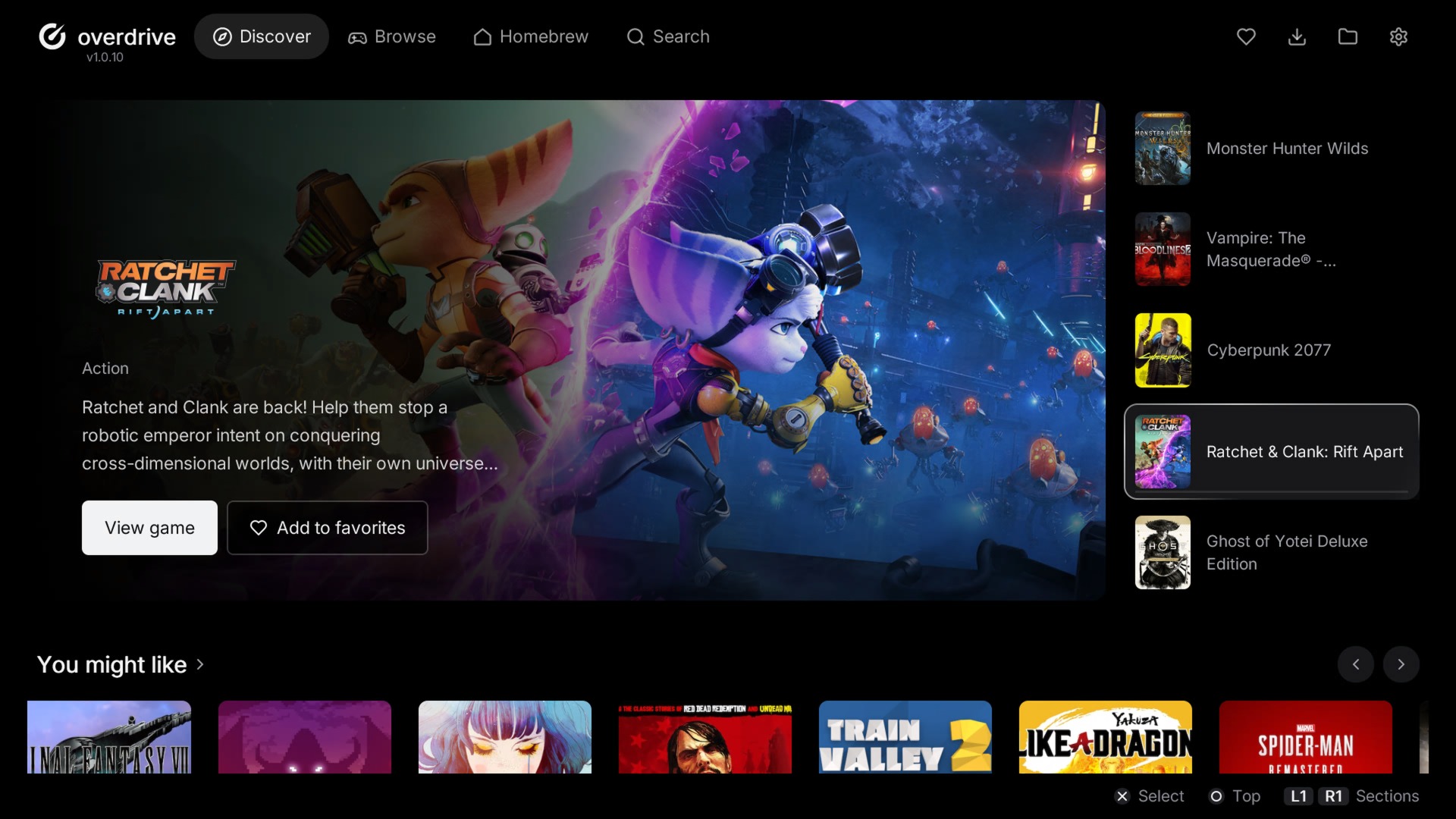
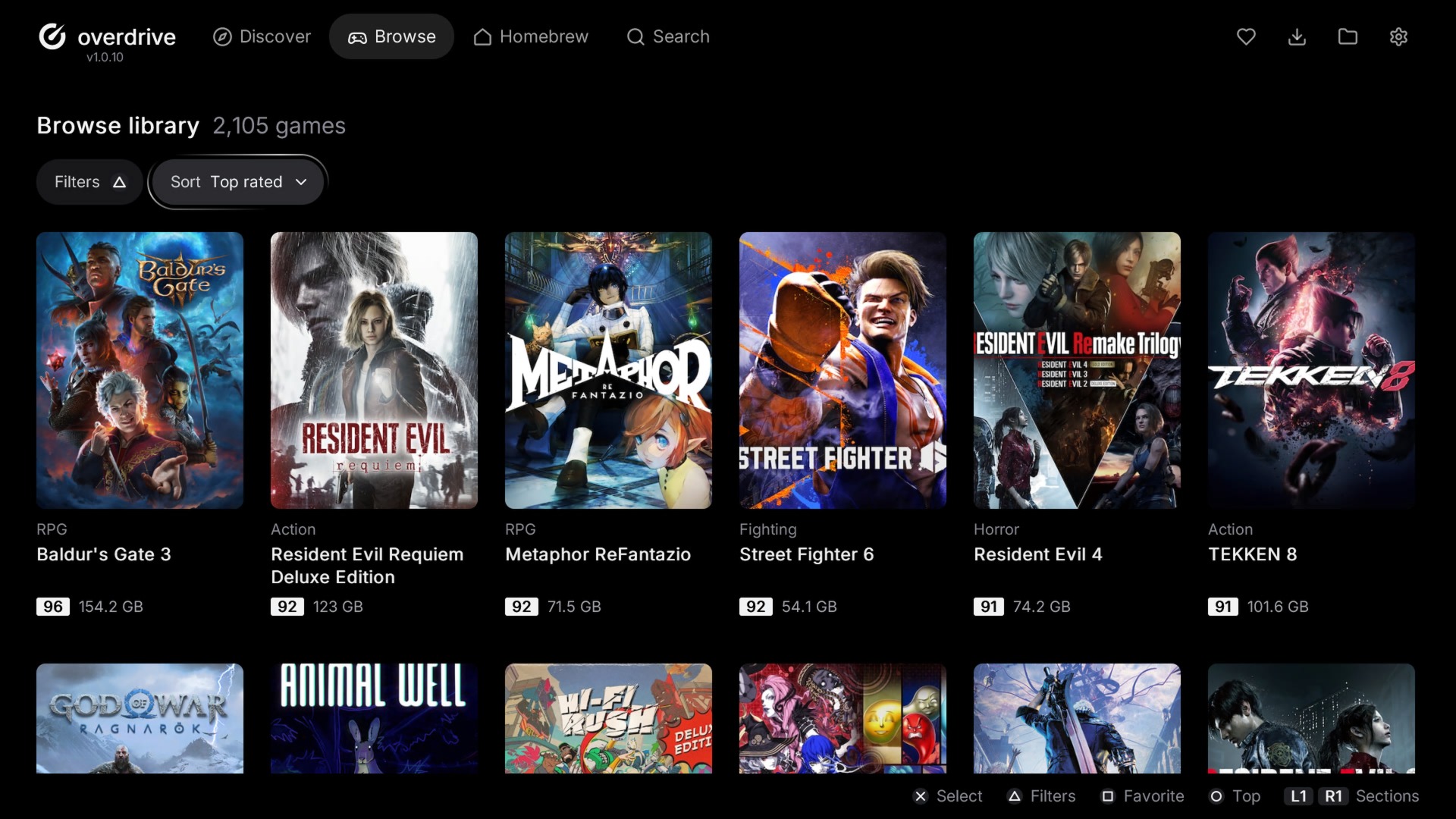
Ratings, picks, filters and sorting by score and size. See how much space a game needs before you download it.

Overdrive is an open-source app for PlayStation 5. A catalog of thousands of games, downloads straight to the console, flexible theming and source code anyone can read.
Features
Built for the controller: L1/R1 switch sections, ✕ selects, ○ goes back.
Ratings, picks, filters and sorting by score and size. See how much space a game needs before you download it.
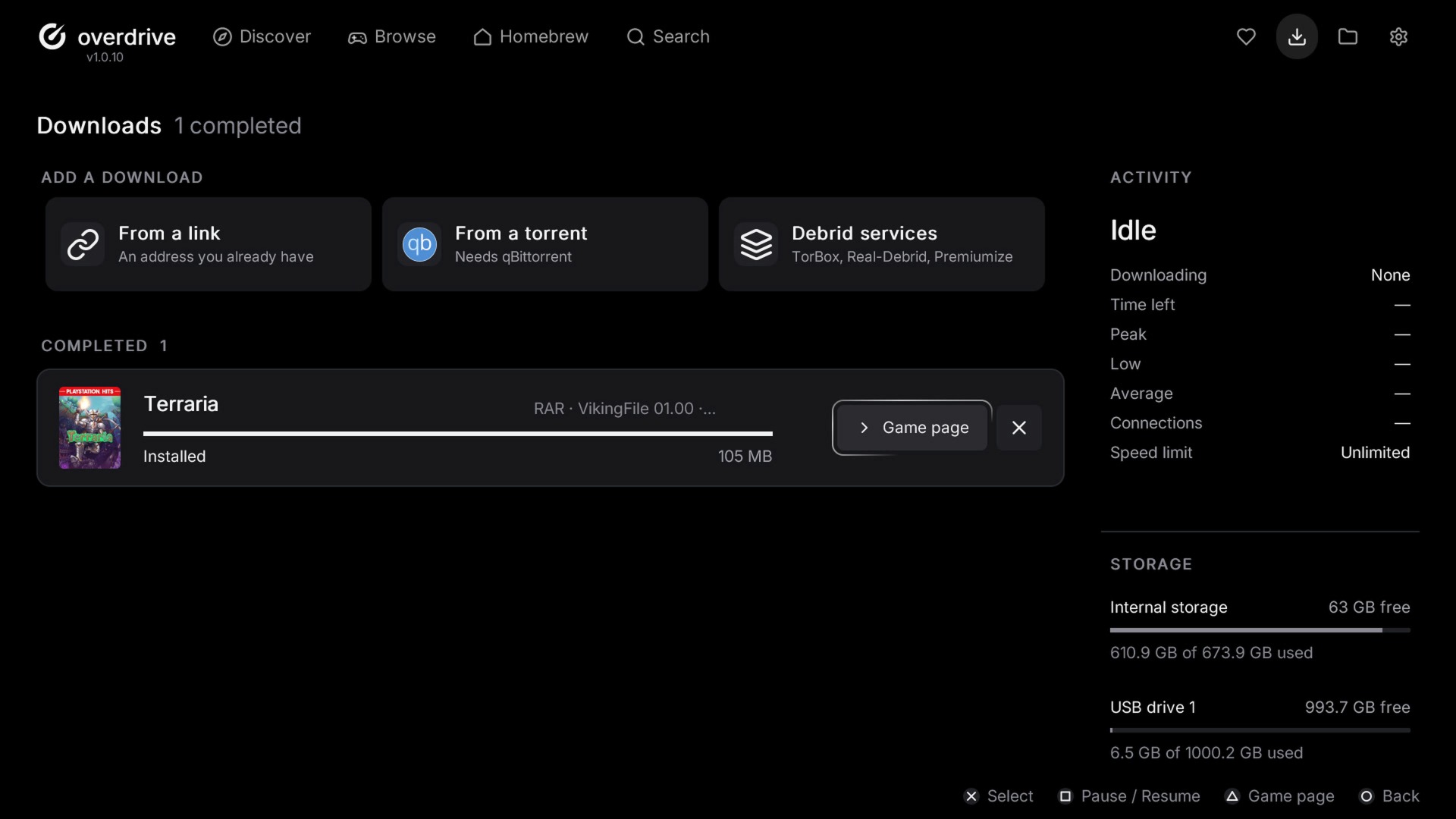
To internal storage or a USB drive, with live speed and storage stats. A queue that recovers after a failure.
Search with an on-screen keyboard, query history and a favorites page for the games you are waiting for.
The Files page shows what is on your drives and helps you free up space.
A new version installs right from the console. No PC needed: the app tells you about the update itself.
From Russian and English to Japanese, Arabic, Hindi and Bengali. New strings are added to every locale.
Install
You need a jailbroken console and ShadowMount+, which installs .exfat files by itself.
Get Overdrive.exfat from the latest release. Don't unzip it and don't change the extension.
Create a homebrew folder at the top level of the drive (exFAT) and copy the file into it.
ShadowMount+ finds the file, mounts and installs it. You get a notification; there is nothing to click.
Open Overdrive from the home screen. Updates arrive by themselves from then on.
USB drive
└── homebrew
    └── Overdrive.exfat
Important. The file must be named Overdrive.exfat and sit in the homebrew folder at the top level of the drive. If the app doesn't show up, the FAQ below tells you what to check.
Source code
Overdrive is a React app on top of ps5-react. It runs in a window on your PC, rebuilds on every save and builds for the console.
# clone and set up (once)
$ git clone https://github.com/Stintik-123/Overdrive.git
$ cd Overdrive
$ npm run setup

# run in a window on your PC, rebuilt on every save
$ npm run dev
| Command | What it does |
|---|---|
| npm run setup | Installs every dependency, once |
| npm run dev | A window on your PC, rebuilt on every save |
| npm test | The framework's checks |
| npm run build | The PS5 app, Overdrive.exfat and update.zip |
app/ — the application: interface, state, catalog and assets. ps5-react/ — the framework. packaging/ — building the exFAT image. docs/ — documentation, including themes.
The code is released under the GPL-3.0 license. The main project lives on GitLab; this repository is its mirror with a Russian interface.
FAQ
Check that ShadowMount+ is running, the folder is named exactly homebrew and sits at the top level of the drive, and the file ends in .exfat. ShadowMount+ waits until the file has finished copying.
The copy on the console is damaged, usually from copying through USB. Delete Overdrive.exfat, download it again and transfer it with PS5Upload. Its size on the console must match the downloaded file.
The app offers the update by itself a few seconds after it starts. Installing needs about 600 MB free on the drive that holds Overdrive.
First delete Overdrive.exfat from the homebrew folder, then the icon from the home screen. In the other order ShadowMount+ brings the icon back.
Download the latest release, put the file on a USB drive and open the app on your PS5.